Built by Exact IOT — internal product
A beautifully minimal Android stopwatch for tracking how long your recurring activities really take. Time a practice session, a run, a chore — every finished session is saved automatically and filed under an activity, so you can watch your consistency build week after week. No accounts, no ads, no cloud: everything stays on your phone.

Anyone building a habit — practising an instrument, running, meditating — eventually asks the same question: how long did I actually spend on this, and am I doing it consistently? The stock stopwatch can time a session, but the moment you reset it, the number is gone. Spreadsheets and note apps can keep the history, but manually logging every session is exactly the kind of friction that kills a habit.
Mobile stopwatches have a second, sneakier problem: the operating system. Lock the screen, take a call, or leave the timer running overnight and Android may quietly kill the app — taking your running session with it. A timing app you can't trust to keep counting is worse than no timing app at all.
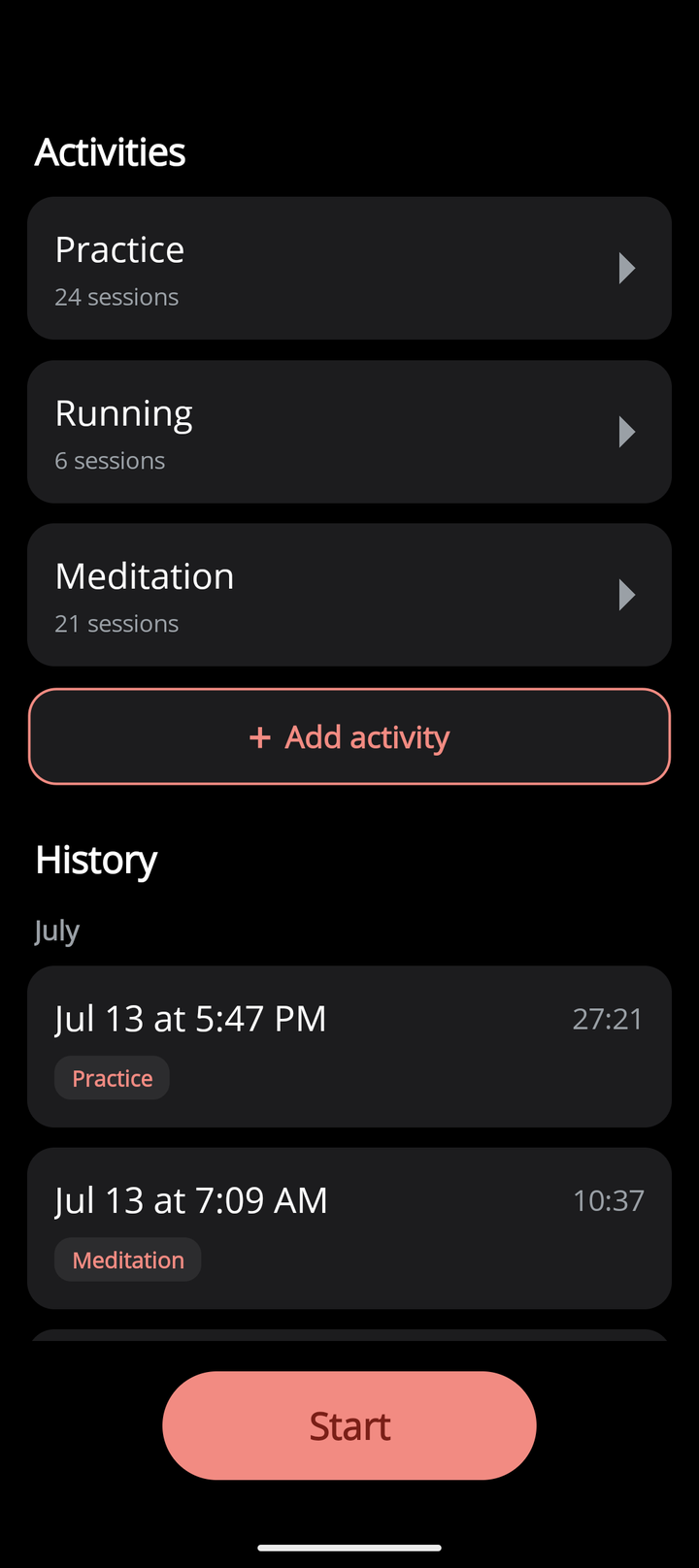
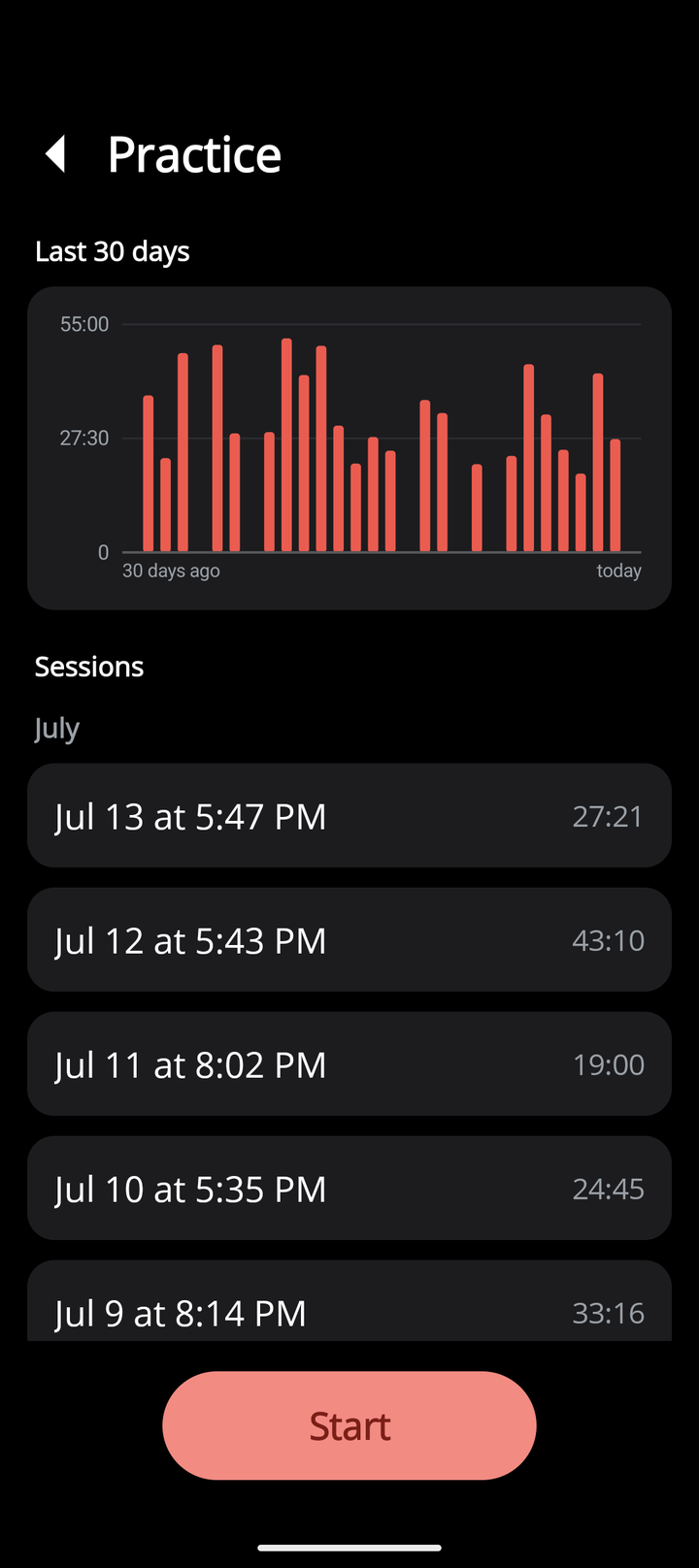
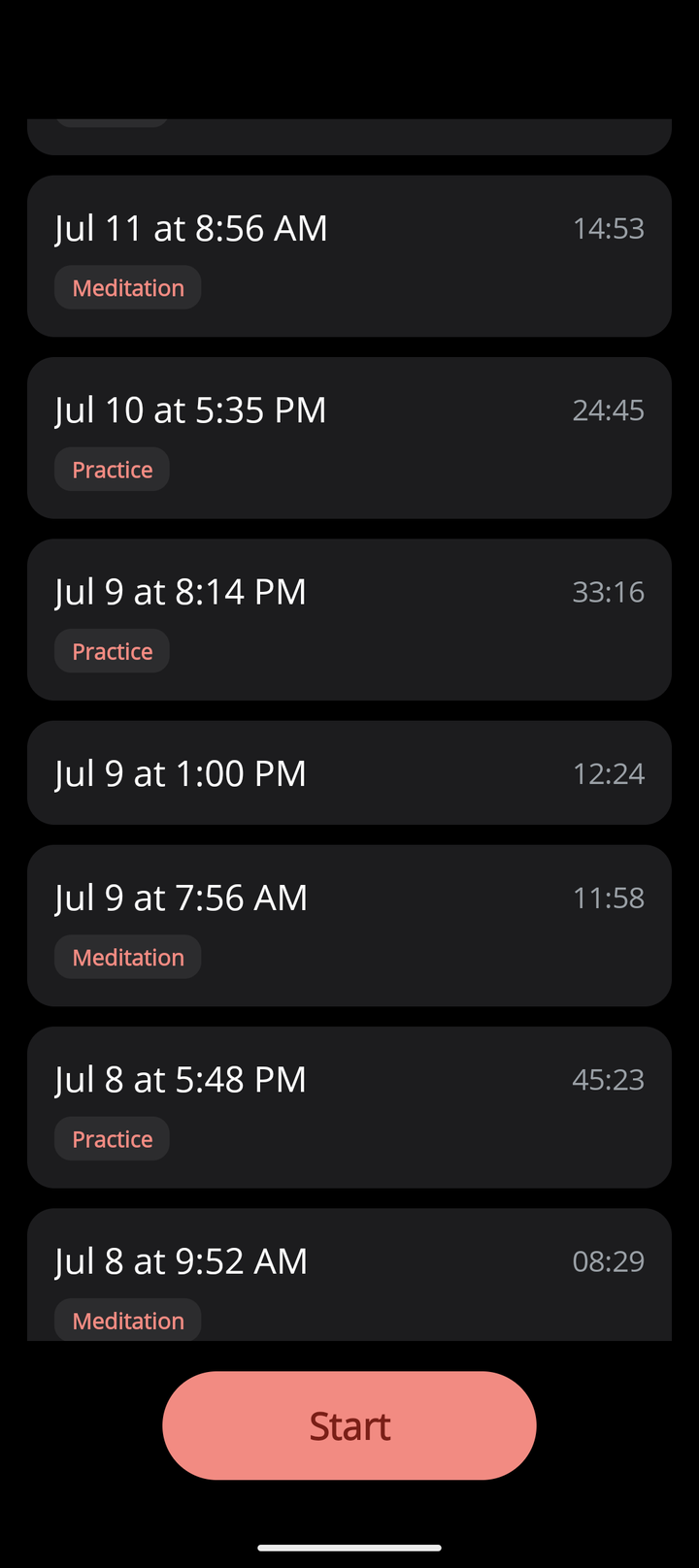
Everlap makes the history the whole point. Hit Start, and when you stop, the session is saved automatically — no forms, no confirmation screens. File sessions under activities like "Practice" or "Running" and each activity gets a 30-day bar chart showing exactly how much time you put in, day by day. The full session history is always there, grouped by month.
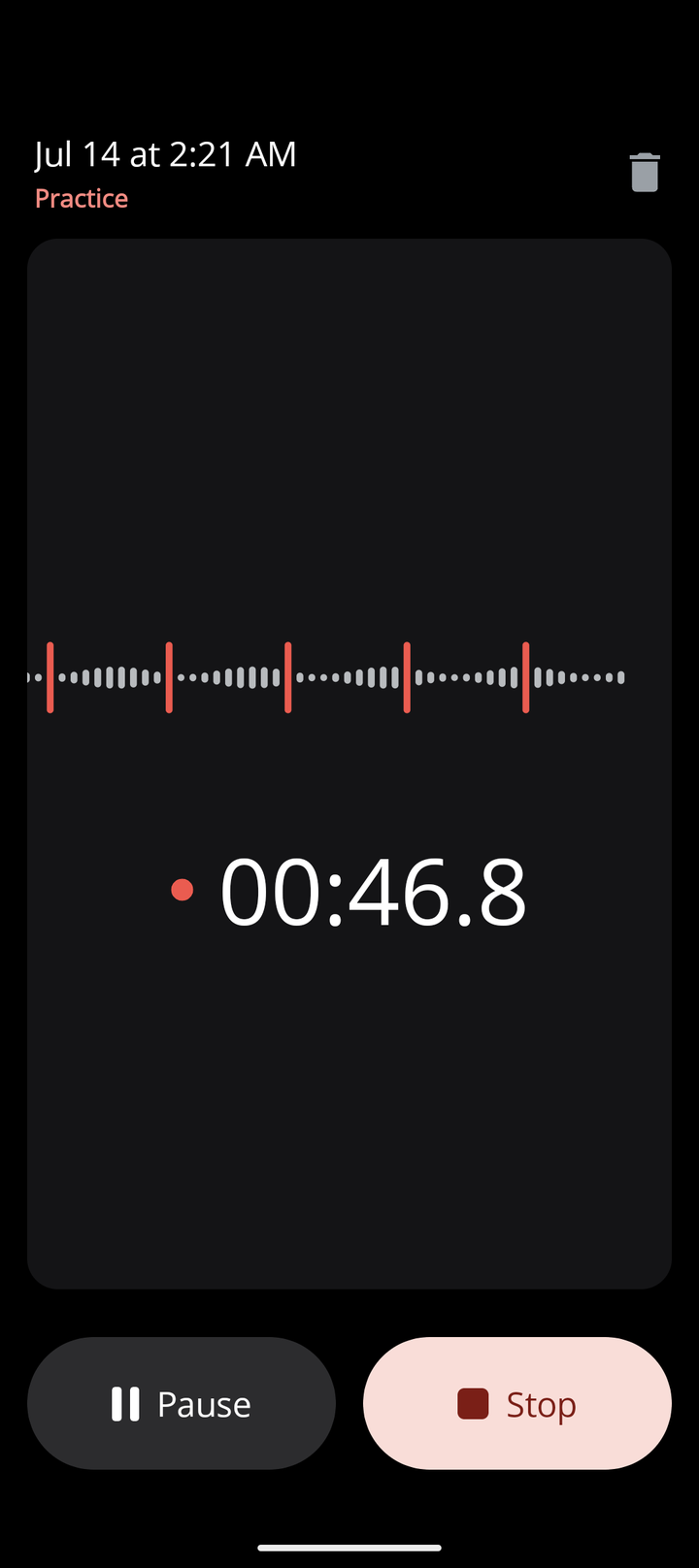
Under the hood the timer is wall-clock based and persisted the moment it starts: backgrounding, locking the screen, even Android killing the process — the session keeps counting and picks up exactly where it should. The design is unapologetically minimal: a true-black theme, a single coral accent, and a live waveform that makes a running timer feel alive.
Activities & history
Running stopwatch
30-day activity chart
Session history
Everlap is built with .NET MAUI in a single C# codebase targeting Android. Sessions and activities live in a local SQLite database; the animated waveform and the 30-day charts are custom GraphicsView drawables rendered at 60 fps. The running session is persisted as wall-clock state the moment it starts, which is what lets it survive backgrounding and process death without a foreground service. The app never touches the network — see the privacy policy.
We design and build mobile apps that feel effortless to use — from concept through to app store deployment.